The mobile app
hunt's app, for iPhone, iPad and Android, has your search in your pocket: what's due, your applications, and your stash. It's in the phone's share sheet too, so a posting you find in another app is kept in your stash with two taps, to sort later.
It's in light and dark, as your phone is set.
The app is still in active development, and will be in the App Store and Google Play soon. Until then, you can build and run it yourself.
Signing in
- Give the app your hunt's address, as you open it in a browser, such as
https://hunt.example.com, and press Connect. - If your hunt signs people in, give your email address and password, and press Sign in.
The app sends your password once, and gets an access token for it, which the phone keeps in its secure storage; it never keeps the password. The token shows in hunt's Settings → Connected apps, as "hunt app (iOS)" or "hunt app (Android)".
You (the last tab) says which hunt you're signed in to, and as whom, and has Open hunt on the web, Sign out, and Use another hunt. Signing out forgets the token on the phone; to stop it working, revoke it in Settings → Connected apps.
What's due
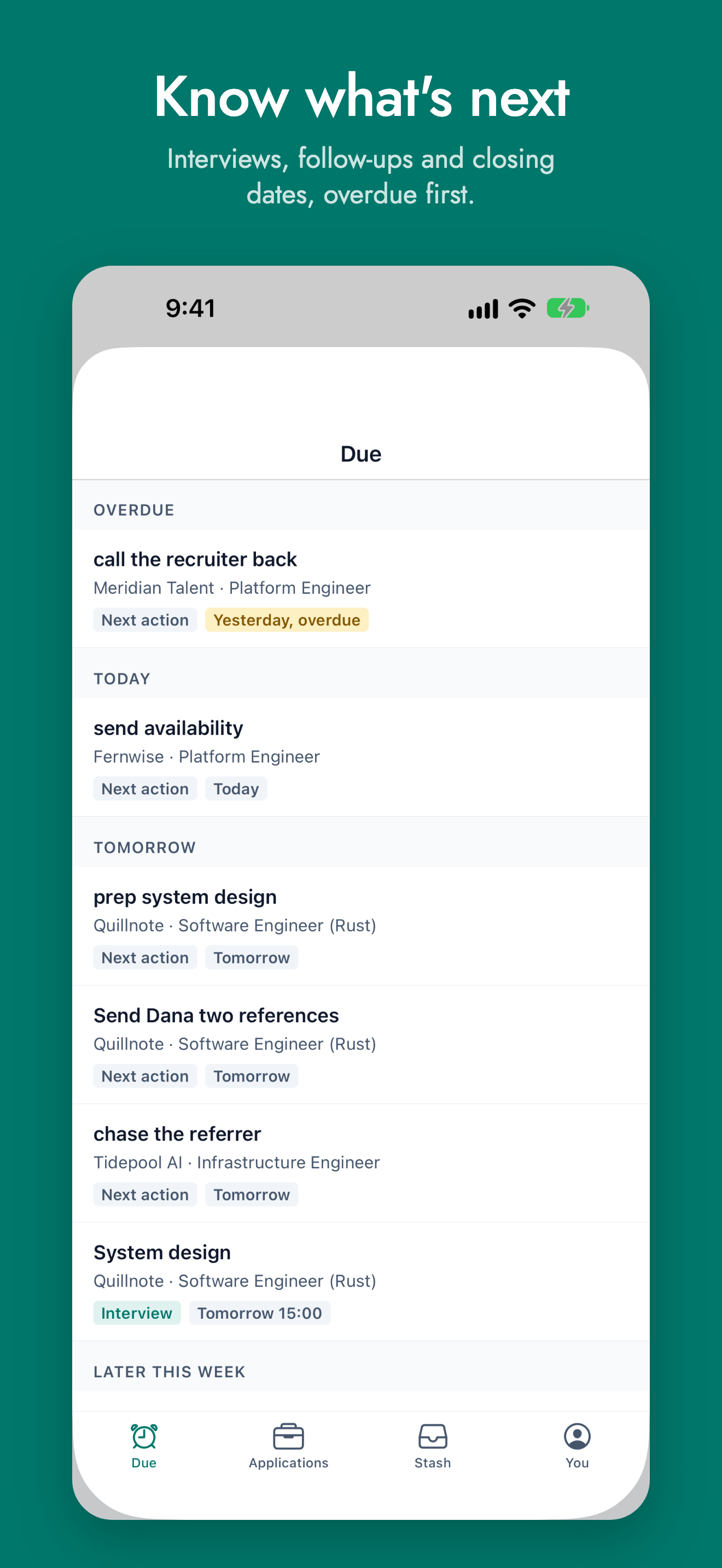
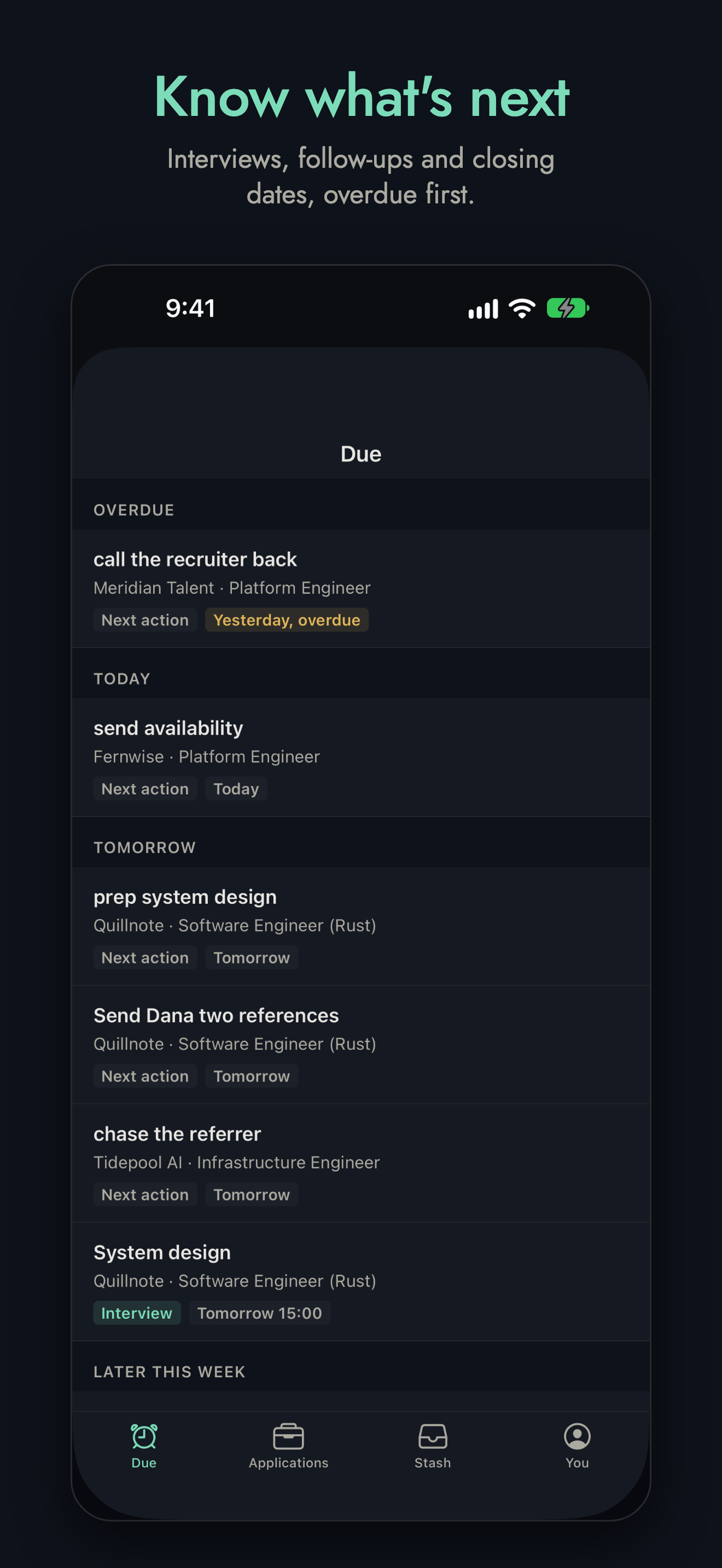
Due, the first tab, is this week: your next actions, interviews, and applications closing, overdue first, then today, tomorrow and later this week. Tap one to open its application. Pull down to refresh.
Your applications
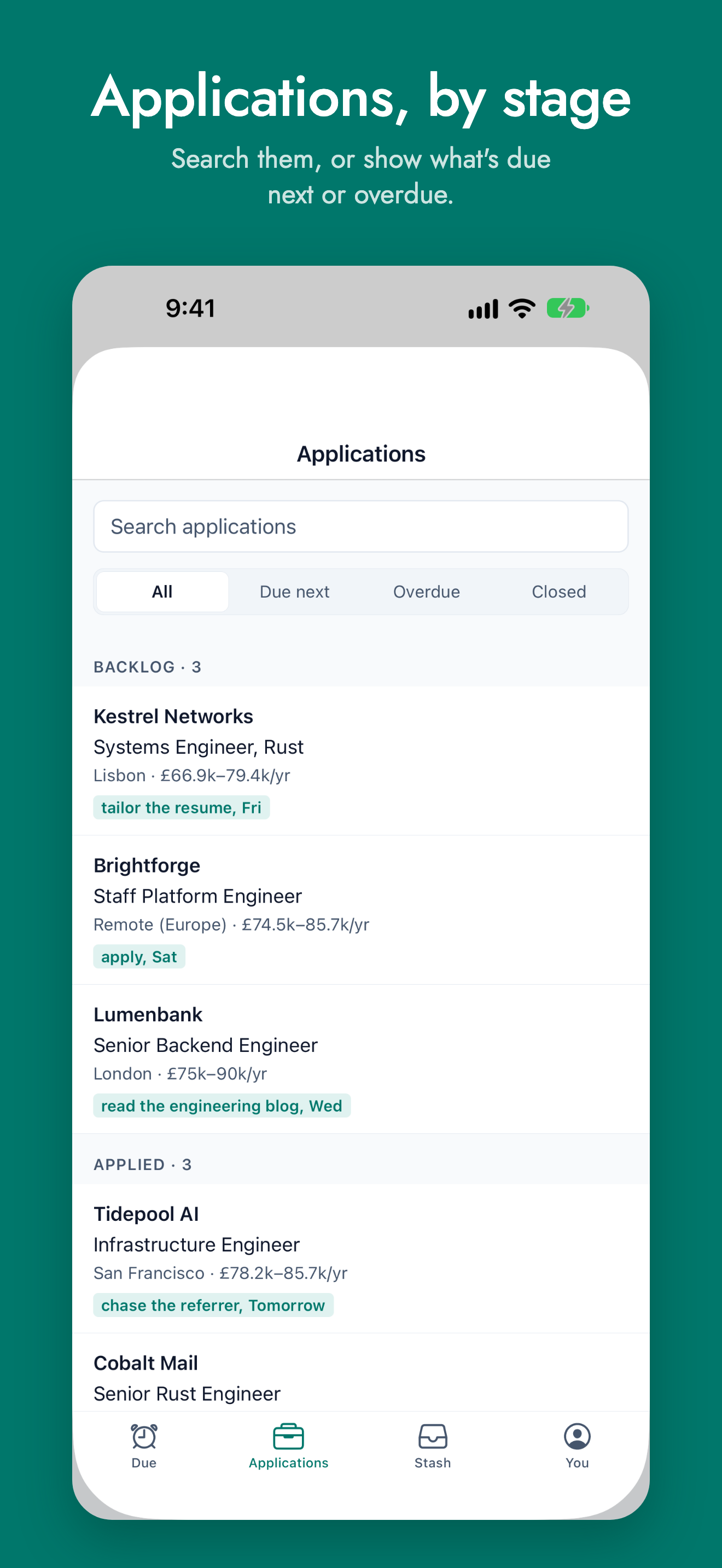
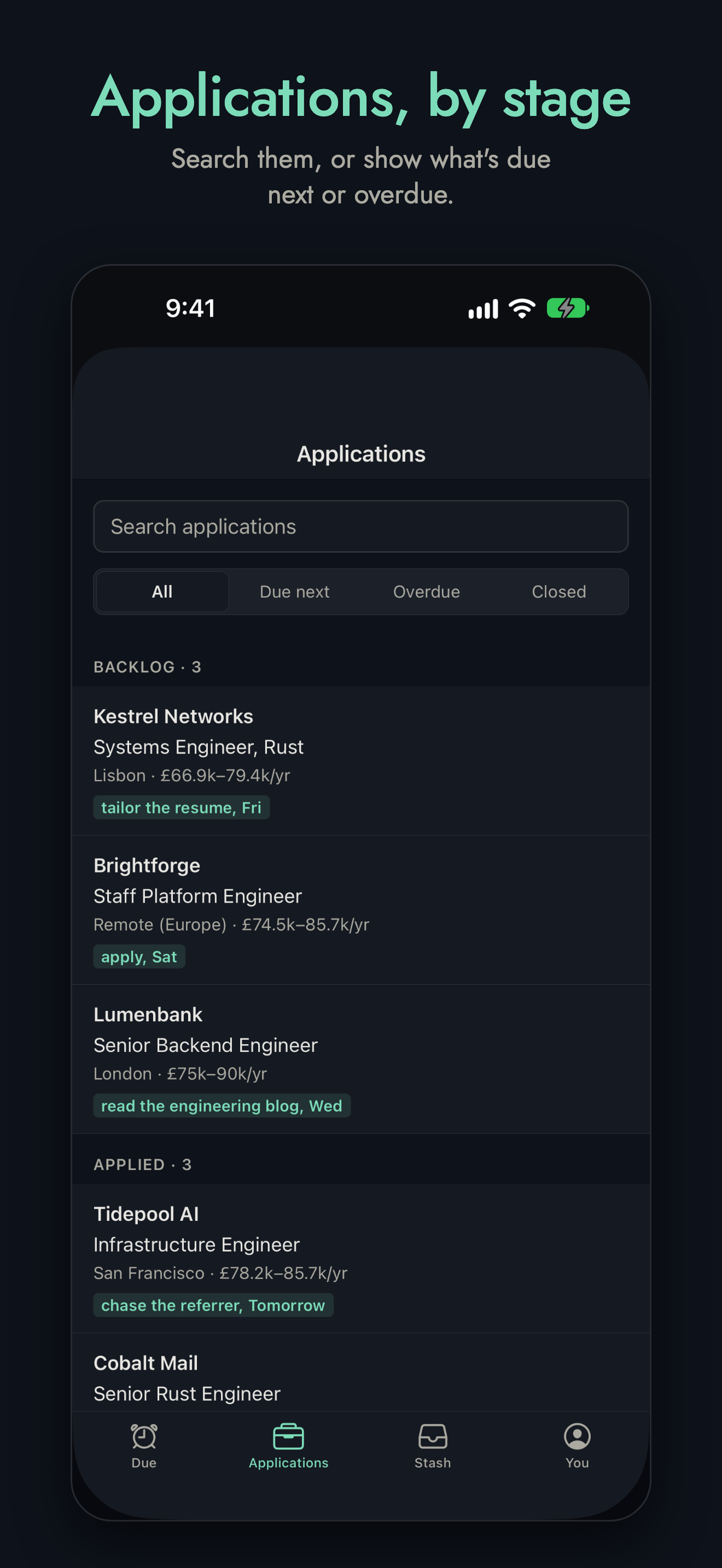
Applications has your board's, from the cycles running now, by stage: each one's company, role, location and pay, and what's next for it. Search them, or show only what's Due next or Overdue, or the Closed ones, with why each closed.
An application
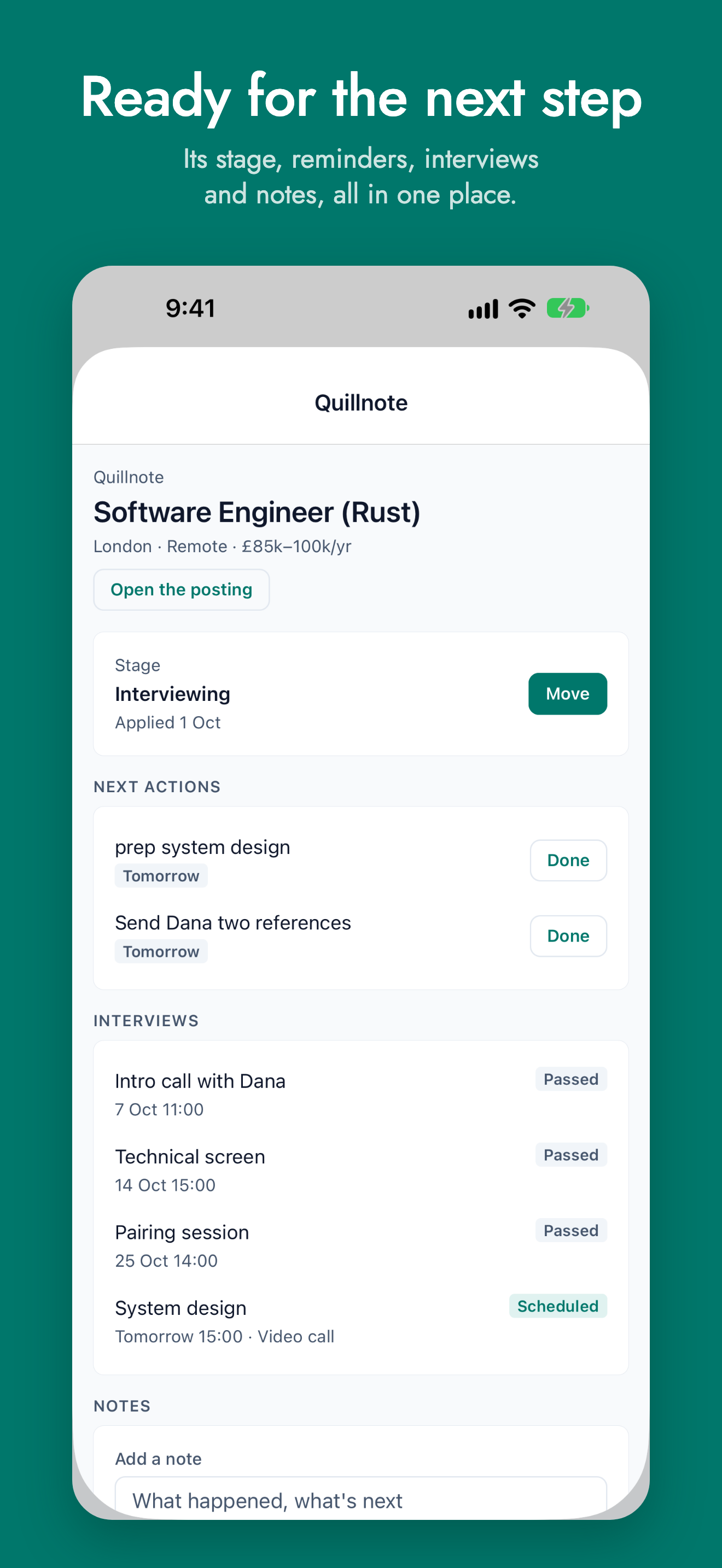
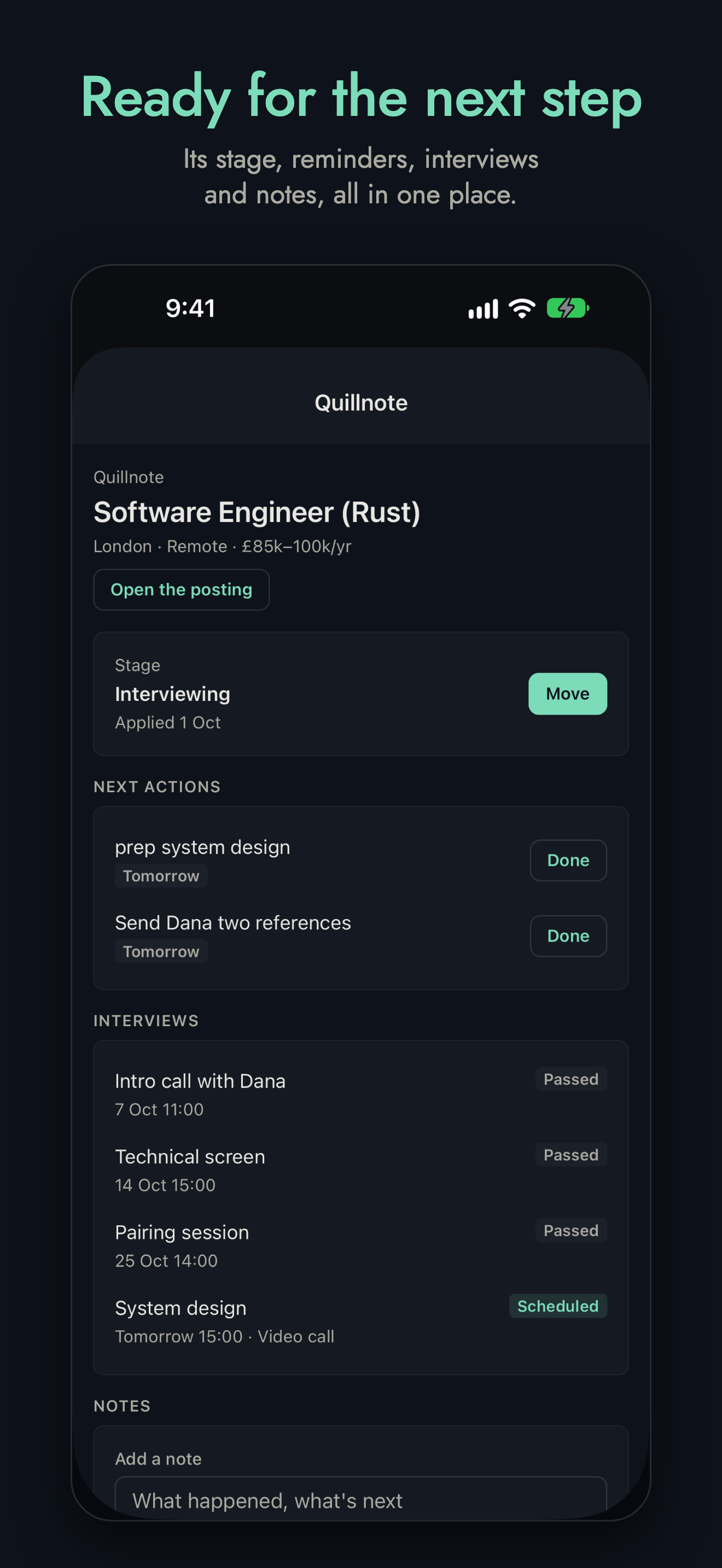
An application has its role, its company, location, pay and closing date, and Open the posting. Below them:
- Stage: where its process is, and when you applied. Move takes it to another stage.
- Next actions: the open ones, with their dates. Done marks one done.
- Interviews: its steps, with their dates, format, who's in them, and its status.
- Notes: what you've written about it. Add a note, and Save note, to add one.
An application you've applied to more than once has a process for each: the newest open one shows, and the others are a tap away above it.
The rest (editing it, its pay, prep, people and files) is in hunt on the web.
Your stash
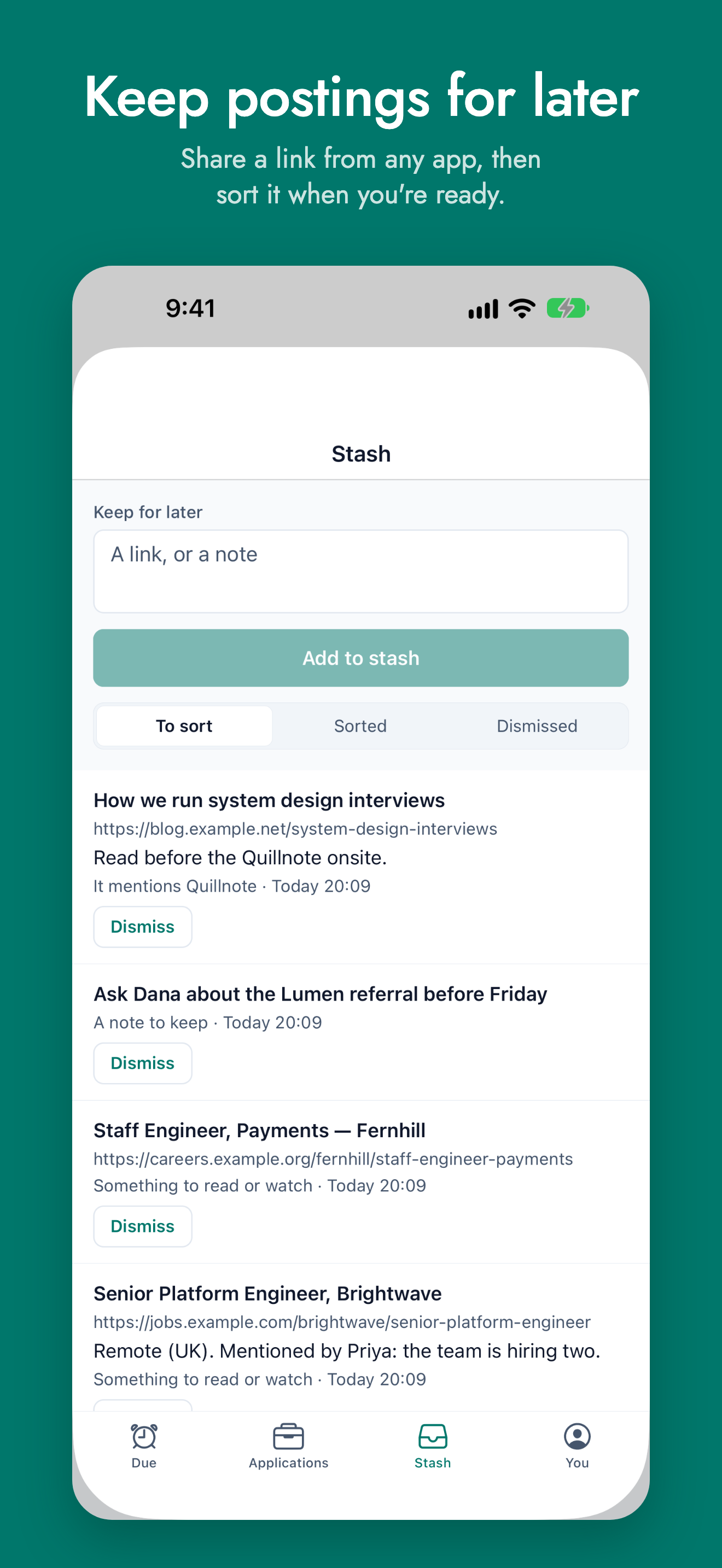
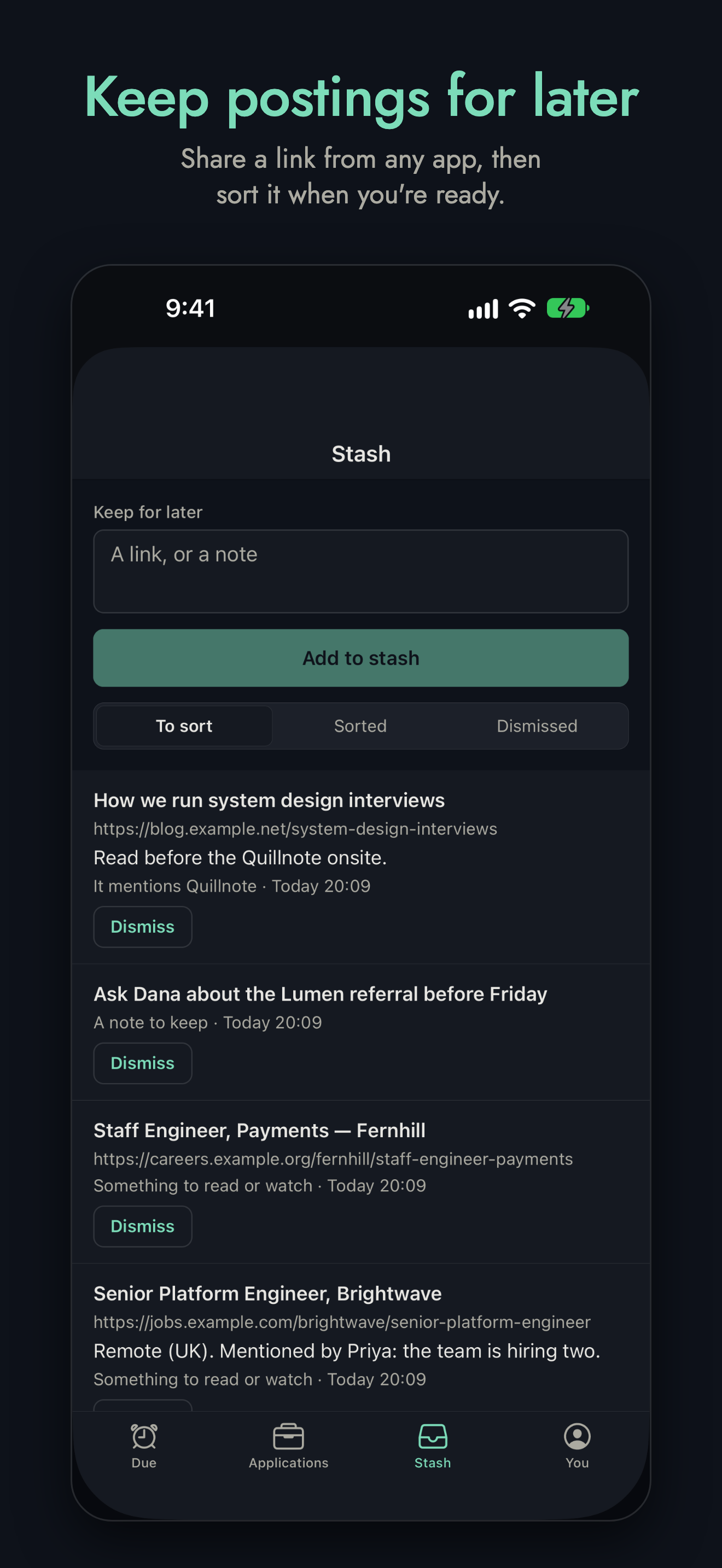
Your stash is what you've kept to sort later, from the app, the browser extension or anywhere else. Type a link or a note into Keep for later and press Add to stash, or share to hunt from another app:
- In your browser, LinkedIn, or any app, press Share, and choose hunt.
- The app opens with the link, the page's title and any text that came with it. Change the title, add a note, and press Add to stash.
If you weren't signed in, the app signs you in first, then comes back to what you shared.
Each item says what hunt thinks it could become. To sort, Sorted and Dismissed show each kind; Dismiss puts one aside, and Put back brings it back. Tap one with a link to open it. Making them into applications, notes and reminders is in hunt on the web.
Behind Cloudflare Access, or a sign-in proxy
The app can't sign in to a hunt behind Cloudflare Access or a sign-in proxy yet: it says so when you connect. For now, open hunt in your phone's browser there.
Building the app
Until it's in the stores, you can build it and run it yourself. It's a
React Native (Expo) app, in hunt's mobile directory. It needs Node, and
Xcode (for iOS) or Android Studio (for Android):
cd mobile
npm install
npm run ios        # or: npm run android
The share sheet is native code, so the app runs as a development build,
not in Expo Go. To try it against a hunt with made-up data, run
make dev-demo in the repository's root: it serves one on
http://127.0.0.1:4848 (from an Android emulator, http://10.0.2.2:4848),
where you sign in as user@example.com, with the password huntdemo.
More is in mobile/README.md.